The Memoria Studio ·
Get the best results from your custom photo magnet with these expert tips on resolution, lighting, composition, and cropping.
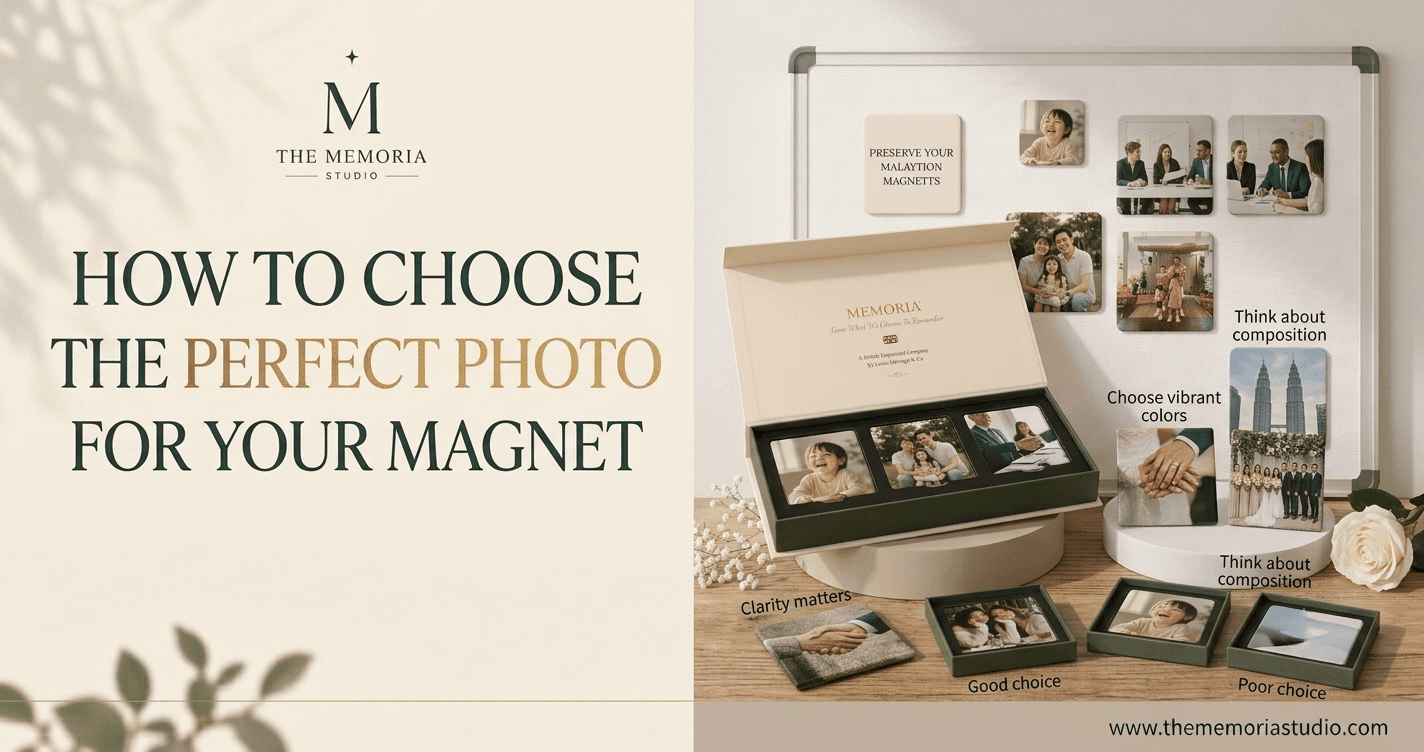
How to Choose the Perfect Photo for Your Magnet
Expert tips to ensure your photo magnet looks stunning — every time.
Key Takeaways
- Use photos with a resolution of at least 1000×1000 pixels for sharp prints
- Natural lighting produces the most vibrant, true-to-life colours
- Centre your subject and leave some space around the edges for cropping
- Avoid heavily filtered or over-compressed images
- Test your photo by zooming in — if it looks sharp at 100%, it will print beautifully
Why Photo Choice Matters
The quality of your photo magnet starts with the quality of your photo. A great photo will produce a stunning magnet with vivid colours and sharp detail. A blurry, dark, or low-resolution photo will produce a disappointing result — no matter how good the printing technology is.
The good news? Modern smartphones take excellent photos that are more than sufficient for beautiful magnets. Follow these tips to choose the perfect shot.
Resolution: Bigger Is Better
The single most important factor is resolution. We recommend photos with a minimum resolution of 1000×1000 pixels. Most iPhone and Android photos are 3000×4000 pixels or larger — well above our minimum.
How to check: On your phone, open the photo details or info panel. Look for dimensions like "3024×4032" — that's more than enough. Avoid photos downloaded from social media (Instagram, Facebook) as they're often compressed to much lower resolutions.
Lighting: Natural Is Best
Photos taken in natural daylight produce the best magnets. Outdoor photos, window-lit portraits, and golden-hour shots all translate beautifully to print.
Avoid: Photos taken with flash (harsh shadows), in very dim lighting (grainy/noisy), or under strong artificial lighting (colour casts).
Composition: Think About the Crop
Our magnets are square format, so your photo will be cropped to a square. Keep your main subject centred and leave some breathing room around the edges so nothing important gets cut off.
Best subjects for magnets:
- Close-up portraits (faces centred in the frame)
- Group photos with everyone close together
- Scenic landscapes with a clear focal point
- Pet photos with the animal filling most of the frame
Colour and Editing
Photos with natural, unfiltered colours print best. Heavy Instagram filters, extreme saturation, or black-and-white conversion can look different in print than on screen.
If you do edit your photo, keep adjustments subtle — a slight brightness or contrast boost is fine, but avoid dramatic filters.